

TL;DR:
Developers working with PDFs can use specialized tools like JPedal, RUPS, or PDFXplorer to inspect internal PDF objects instead of relying on a text editor.
Why Standard Text Editors Aren’t Enough
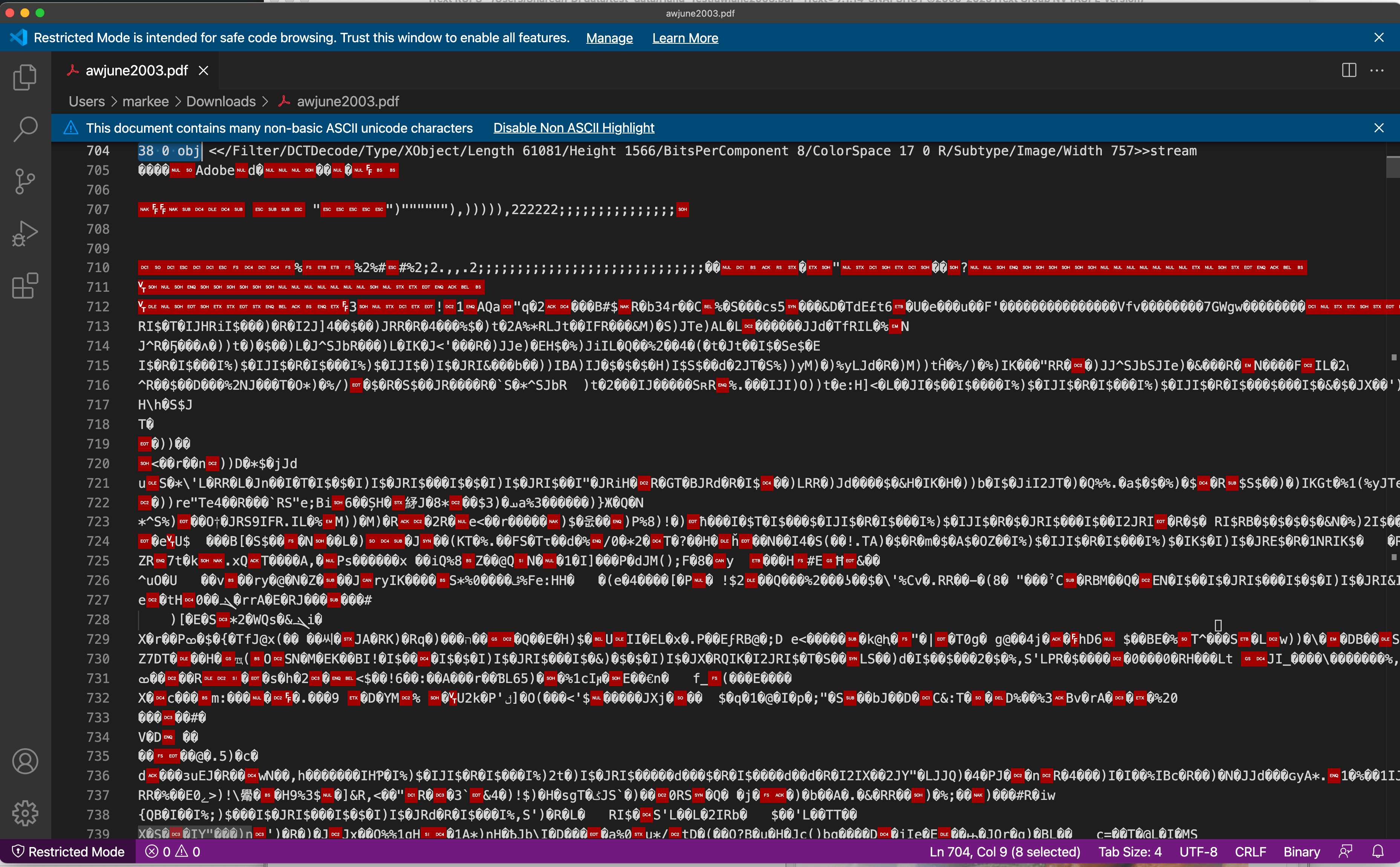
When you develop software to work with PDF files, you often need to be able to drill down into a file and see the internal structure. The PDF file format is a complex ascii/binary format and you cannot just view it in an editor. You need a tool to understand the file structure and show the raw data.
JPedal Viewer: Advanced Inspection and Debugging
Our JPedal Viewer now has a mode to inspect PDF files. It works in both the trial and the full versions (so you do not need to be a customer to use it). JPedal is the best Java PDF library for developers.
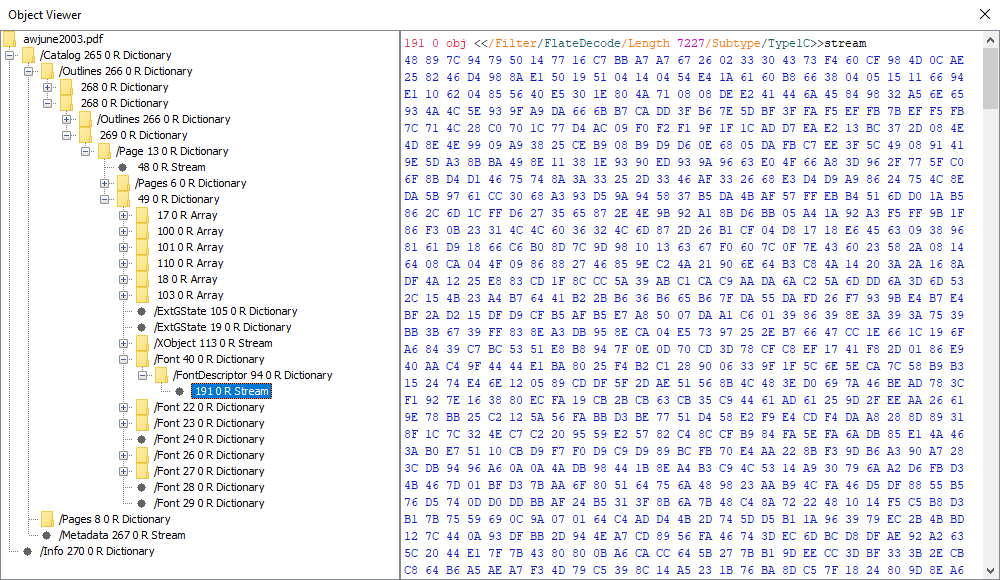
Visualizing PDF Content Streams
It also has a unique feature that allows you to see and debug the PDF content streams.
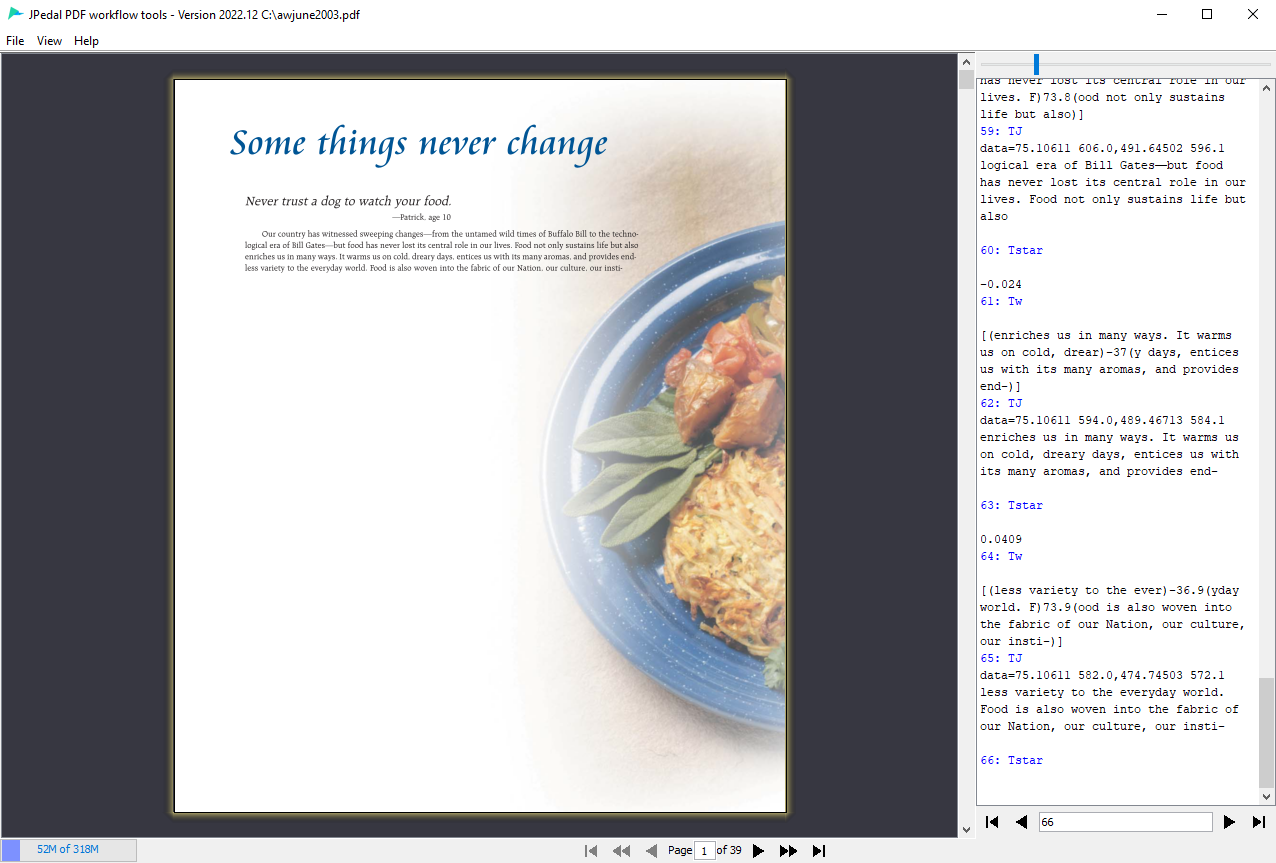
You can find out more and download the software from the support page.
RUPS: A Robust GUI for Object Visualization
RUPS is a free tool from the iText development team which allows you to open PDF files and see the actual object data. It has a really nice GUI front end and allows you to drill down into the objects. If you are developing software to use PDF files (or need to understand what is in your PDF files), it will save you a lot of time!
You can find out more and download the software from the RUPS home page
Here is an example PDF file.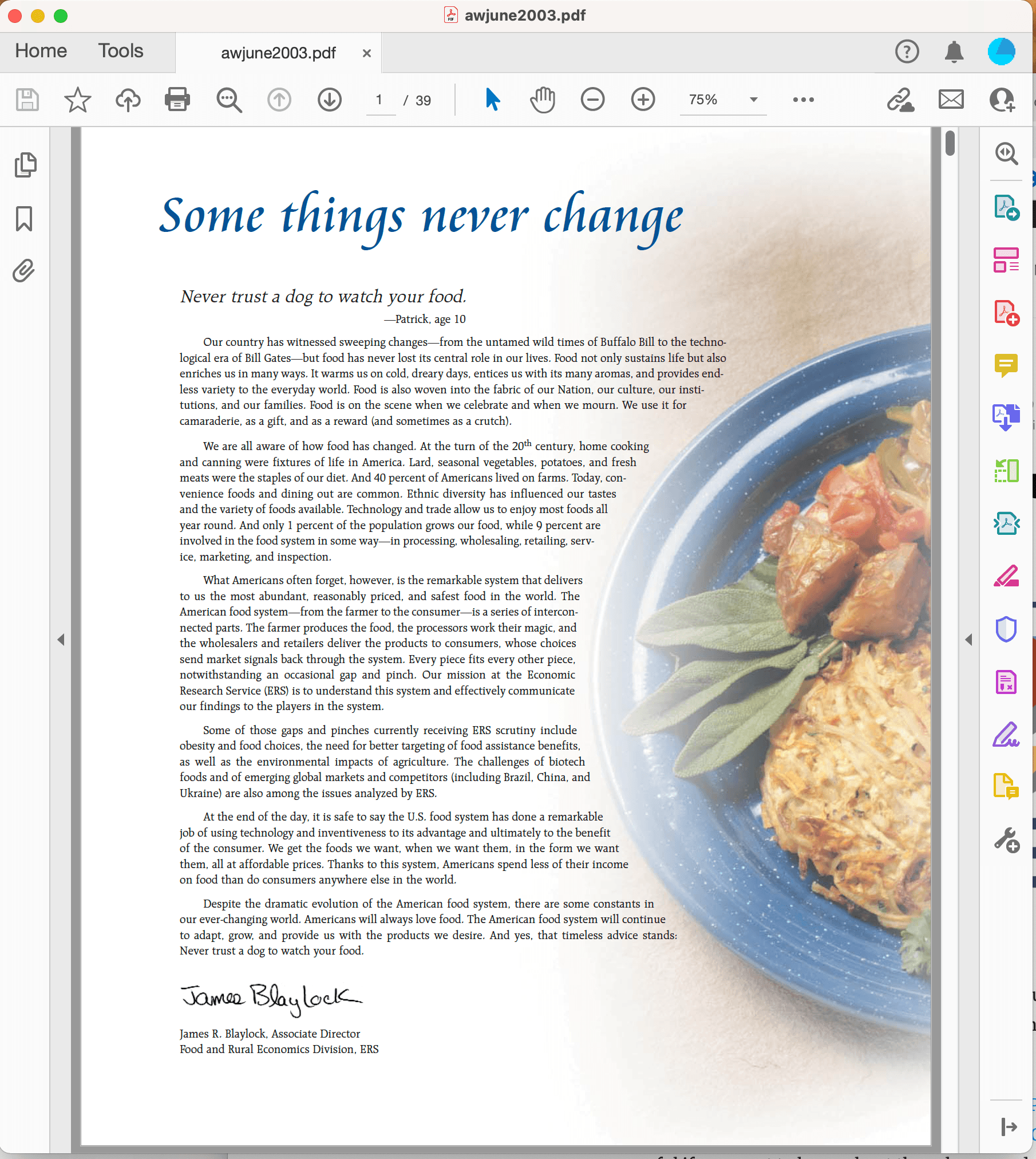
And this is what it looks like in RUPS! I am looking at the XObject which is the main image on the page. As you can see there are a wide range of tabs allowing you to view the PDF objects in different ways. You can see the image displayed in the bottom right corner and all the Dictionary information on the left.
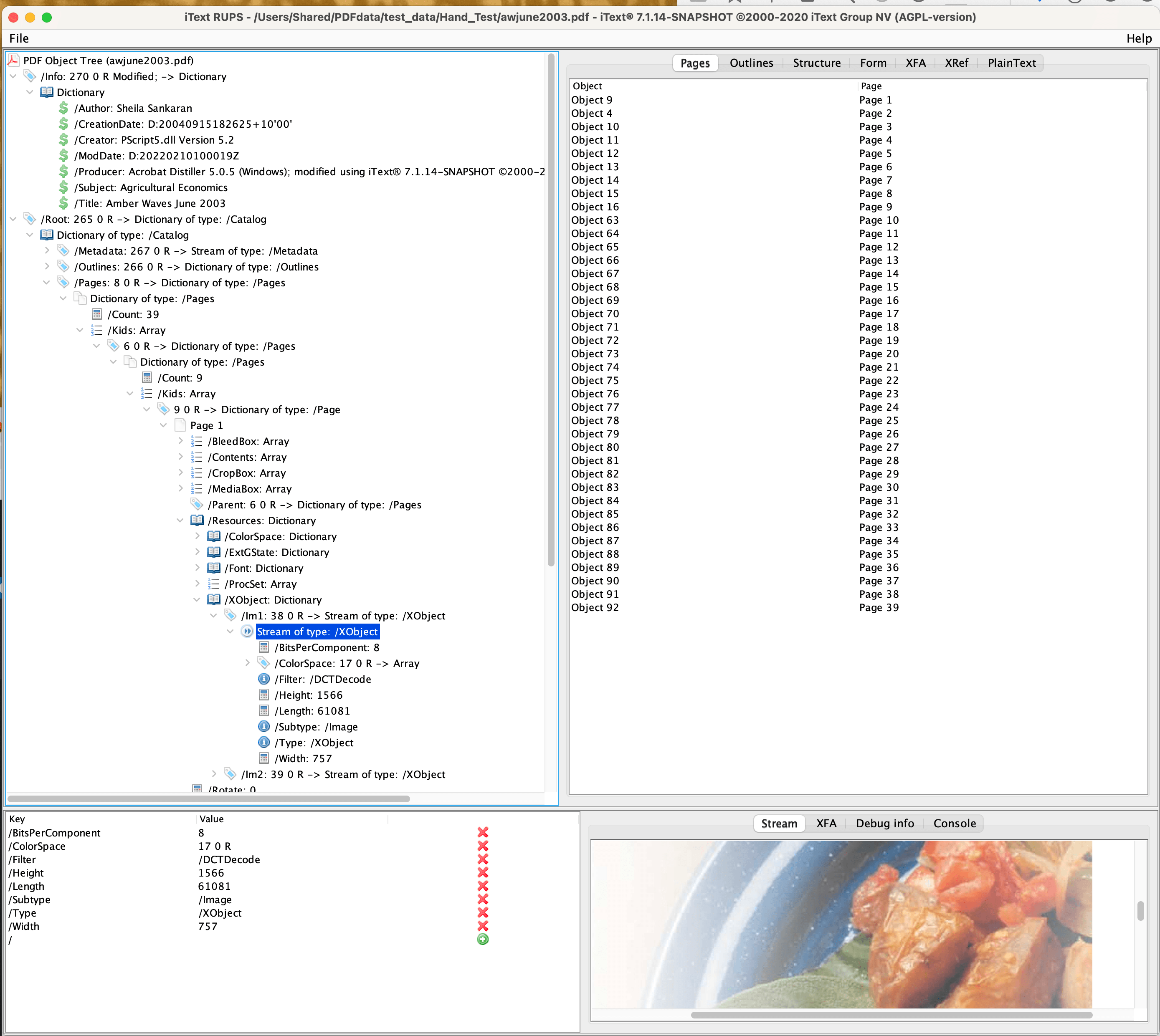
In this case, you could access this data directly in the file, but it would be a lot less clear and you would not see the file structure.
PDFXplorer: Tree-Based Exploration for Windows
PDFXplorer is another free tool from O2 Solutions. It is a small, Windows only, freeware application that allows you to explore the internal structure of a PDF as it is laid out in a tree. Turning this:
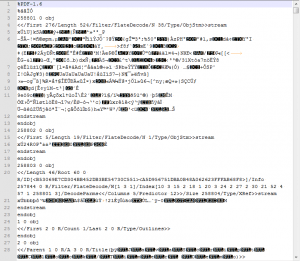
To this:
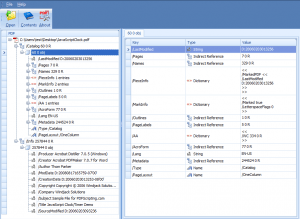
It lists each of the objects attributes in a neatly laid out table, has a good navigation tab that lets you easily move about the PDF, and also allows you to view and save streams and text data within the PDF file.
Extracting JavaScript and Images
This can be very useful for example it comes in very handy when you want to know what embedded JavaScript is present within the PDF and what object it is associated with. Or to extract certain kinds of images from the PDF.
What does all this data mean?
In summary, this table highlights the major differences between the solutions:
| Feature | JPedal Viewer | RUPS | PDFXplorer |
|---|---|---|---|
| Platform | Cross-platform (Java) | Cross-platform (Java) | Windows only |
| Developer | JPedal team | iText team | O2 Solutions |
| Unique Feature | Content stream debugging with Limit Decode Slider | Comprehensive GUI with multiple viewing tabs | JavaScript extraction and object association |
| Best For | Advanced content stream debugging | General-purpose object visualization | Quick JavaScript/image extraction on Windows |
If you would like to better understand this data and what is going on inside a PDF file, you might find our other blog post on Learning about PDF helpful.
FAQs
Q: How do I find a specific image object (XObject) in the tree?
A: In tools like RUPS or PDFXplorer, navigate to the Page Dictionary for the specific page. Look for the /Resources key, then the /XObject sub-dictionary. This lists all images and form overlays used on that page, allowing you to view their raw stream data or dimensions.
Q: What should I look for if a PDF file is “corrupt”?
A: Use the inspector to check the Cross-Reference (Xref) Table. If the tool cannot build the tree, the Xref table (which acts as the file’s index) is likely broken. If the tree loads but a page is blank, inspect the /Contents stream to see if it contains valid operators or is an empty stream.
Q: Why are some PDF objects “Indirect” vs. “Direct”?
A: Direct objects are defined right where they are used. Indirect objects are given an ID (e.g., 3 0 obj) and can be referenced multiple times throughout the file. This reduces file size—for example, a company logo can be defined once as an indirect object and referenced on every page.
Our software libraries allow you to
| Convert PDF files to HTML |
| Use PDF Forms in a web browser |
| Convert PDF Documents to an image |
| Work with PDF Documents in Java |
| Read and write HEIC and other Image formats in Java |
