

TL;DR
- Goal: Read PDF metadata (Title, Author, XMP) programmatically in Java.
- Tool: Utilize the JPedal library.
- Process: Initialize
PdfUtilitiesto parse the file and extract fields like page count, dimensions, or XMP data. - Outcome: Metadata is returned as usable Java objects (Maps, Strings, Integers) for indexing or validation.
What is PDF Metadata
PDF Metadata is “data about data.” It is embedded within the document to describe its attributes without affecting the visible content. This generally falls into two categories:
- Document Information Dictionary: The original standard stores simple key-value pairs like Title, Author, Subject, and CreationDate.
- XMP (Extensible Metadata Platform): Introduced by Adobe in 2001, this uses XML to store standardized and custom metadata. It is essential for modern ISO standards like PDF/A (Archiving) and PDF/X (Print).
Why is PDF metadata important
Metadata allows documents to be used across different systems and platforms. It also gives the user a thorough understanding of the legal aspects of the document for compliance and auditing purposes. PDF metadata also allows you to find the PDF version you are using.
Other than that it has a important details about encryptions and permissions, helping secure sensitive information. Likewise, tags and structural information can help improve accessibility of documents for disabled people. With Java, you can extract PDF metadata using a few lines of code.
How to read PDF Metadata
As someone who works with PDFs, it is not straightforward to view PDF metadata since it is not directly supported by Java. This tutorial shows you how to check and extract metadata from a PDF file in simple steps using the JPedal Java PDF library. JPedal is the best Java PDF library for developers.
There are tools online like PDFescape and Smallpdf which help you read PDF. However if you want to view your metadata programmatically, you can find solutions which are language-specific.
When it comes to Java for example, JPedal can help you view your PDF metadata and provide many additional features which let you have more control over your PDF.
How to find a PDF file page count
The most basic metadata property is the number of pages. This is critical for looping through a document or validating content length. To find a PDF file page count you can follow along these steps:
- Add JPedal to your class or module path. (download the trial jar).
- Create a File handle, InputStream or URL pointing to the PDF file
- Include a password if file password protected
- Open the PDF file
- Read the page count
- Close the PDF file
and the Java code to get a page count…
PdfUtilities extract=new PdfUtilities("C:/pdfs/mypdf.pdf");

//extract.setPassword("password");

if (extract.openPDFFile()) {

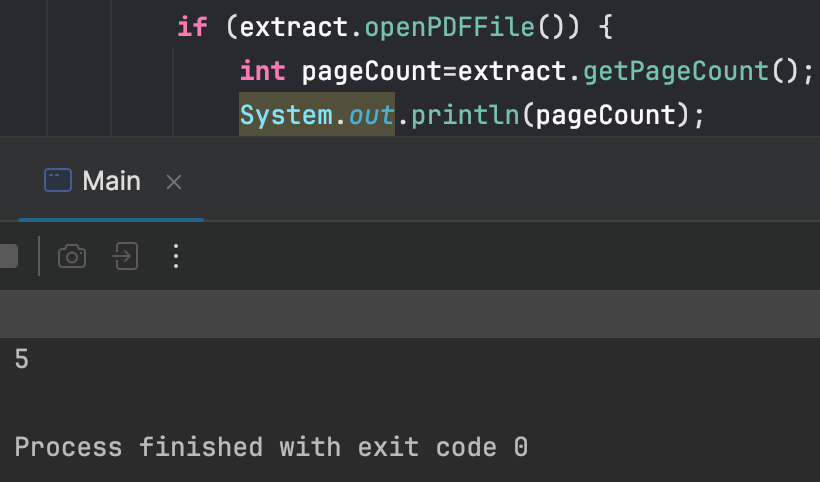
int pageCount=extract.getPageCount();

}


extract.closePDFfile();
You can try print out the result to see if it’s working:
How to access a PDF file page size and rotation
PDF pages can have different sizes (e.g., A4 mixed with Letter) and rotations within the same document. You need to read the specific CropBox for accurate rendering:
- Add JPedal to your class or module path. (download the trial jar).
- Create a File handle, InputStream or URL pointing to the PDF file
- Include a password if file password protected
- Open the PDF file
- Read the page size and rotation
- Close the PDF file
and the Java code to read PDF page size and rotation…
PdfUtilities extract=new PdfUtilities("C:/pdfs/mypdf.pdf");

//extract.setPassword("password");

if (extract.openPDFFile()) {

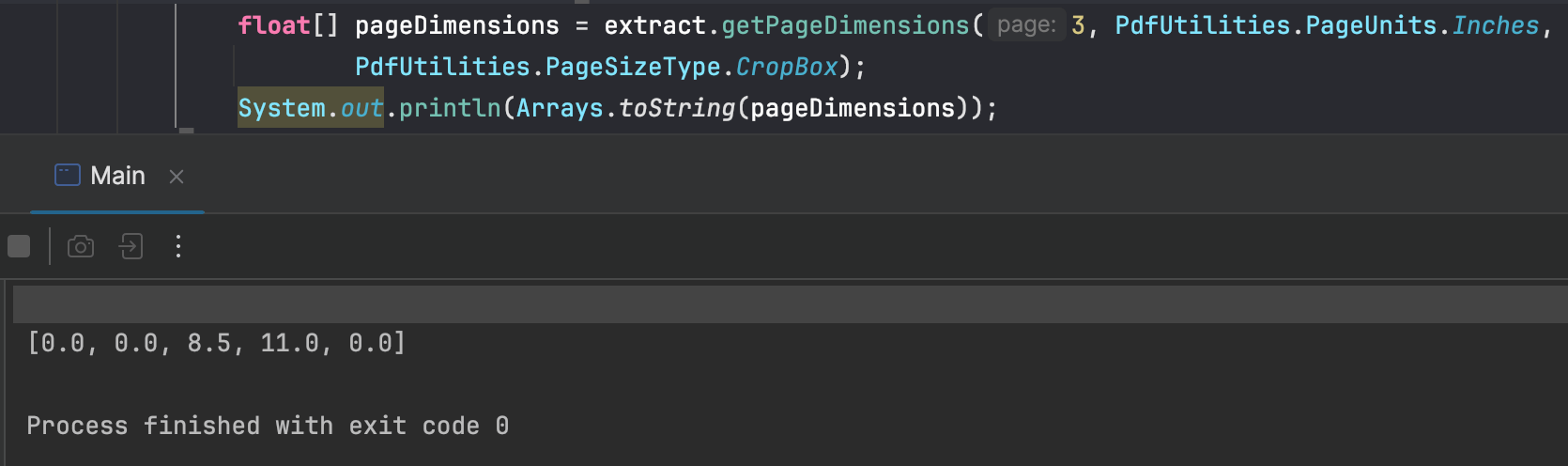
float[] pageDimensions = extract.getPageDimensions(pageNum, PageUnits.Inches,

PageSizeType.CropBox););

}

extract.closePDFfile();
You can try print out the result to see if it’s working: (getPageDimensions returns a float[] with 5 values:- x,y,w,h, pageRotation)
How to access PDF Document properties
- Add JPedal to your class or module path. (download the trial jar).
- Create a File handle, InputStream or URL pointing to the PDF file
- Include a password if file password protected
- Open the PDF file
- Access the properties
- Close the PDF file
and the Java code to read PDF Document properties…
PdfUtilities extract=new PdfUtilities("C:/pdfs/mypdf.pdf");

//extract.setPassword("password");

if (extract.openPDFFile()) {

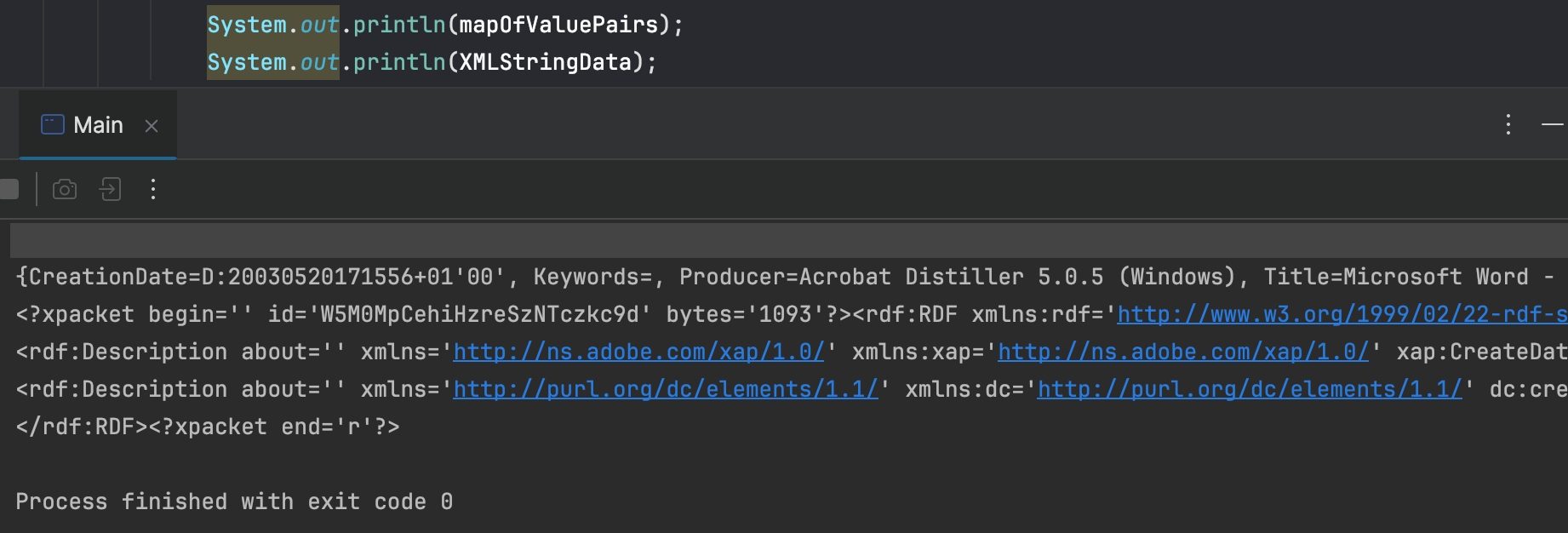
Map mapOfValuePairs=extract.getDocumentPropertyStringValuesAsMap();

String XMLStringData=extract.getDocumentPropertyFieldsInXML();

}


extract.closePDFfile();
You can try print out the result to see if it’s working:
How to detect if embedded fonts used in PDF
Checking for embedded fonts is a common compliance check. If fonts are not embedded, the PDF may look different on other devices. To do so, you can follow these steps:
- Add JPedal to your class or module path. (download the trial jar).
- Create a File handle, InputStream or URL pointing to the PDF file
- Include a password if file password protected
- Open the PDF file
- Query the PDF file status
- Close the PDF file
and the Java code to detect embedded fonts…
PdfUtilities extract=new PdfUtilities("C:/pdfs/mypdf.pdf");

//extract.setPassword("password");

if (extract.openPDFFile()) {

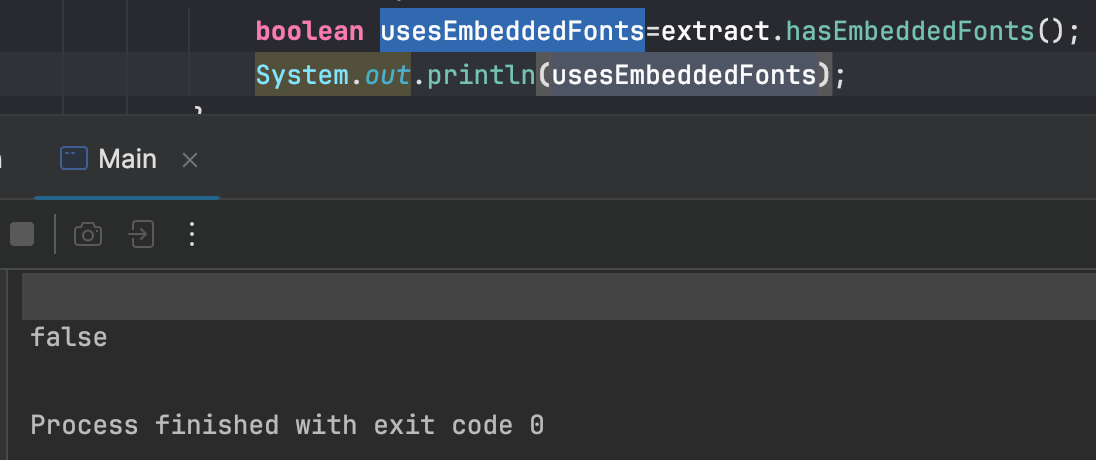
boolean usesEmbeddedFonts=extract.hasEmbeddedFonts();

}


extract.closePDFfile();
Again, you can try print out the result to see if it’s working:
In this article I showed you how you can view pdf metadata using Java. We’ve been working with PDF files for more than 2 decades, you can read other posts to learn more about the PDF file format.
FAQs
Q: Why is XMP metadata critical for PDF/A compliance?
A: XMP is required by the PDF/A archiving standard to embed essential metadata schemas (like Dublin Core), ensuring the document’s context and history are preserved for long-term readability.
Q: Can I extract metadata from a large batch of PDF files efficiently?
A: Yes. Metadata extraction is I/O-bound. Use multithreading or a Java ExecutorService for concurrent processing to significantly speed up extraction compared to sequential processing.
Q: How does PDF password encryption affect metadata extraction?
A: To read any metadata from a protected PDF, you must supply the User password (open password). The metadata itself is usually encrypted along with the document content, preventing access without proper decryption.
The JPedal PDF library allows you to solve these problems in Java
//Convenience static method (see class for additional options)
ExtractClippedImages.writeAllClippedImagesToDir("inputFileOrDirectory", "outputDir", "outputImageFormat", new String[] {"imageHeightAsFloat", "subDirectoryForHeight"});
final PdfManipulator pdf = new PdfManipulator();
pdf.loadDocument(new File("inputFile.pdf"));
pdf.addPage(1, PaperSize.A4_LANDSCAPE);
pdf.addText(1, "Hello World", 10, 10, BaseFont.HelveticaBold, 12, 1, 0.3f, 0.2f);
pdf.addImage(1, new BufferedImage(), new float[] {0, 0, 100, 100});
pdf.rotatePage(1, 90);
pdf.apply();
pdf.writeDocument(new File("outputFile.pdf"));
Viewer viewer = new Viewer();
viewer.setupViewer();
viewer.executeCommand(ViewerCommands.OPENFILE, "pdfFile.pdf");
//Convenience static method (see class for additional options)
ExtractTextAsWordList.writeAllWordlistsToDir("inputFileOrDirectory", "outputDir", -1);
PdfMerge.mergeFiles(new File("inputFile1.pdf"), new File("inputFile2.pdf"), new File("outputFile.pdf"));

PdfManipulator.splitInHalf(new File("inputFile.pdf"), new File("outputFolder"), pageToSplitAt);
PrintPdfPages print = new PrintPdfPages("C:/pdfs/mypdf.pdf");
if (print.openPDFFile()) {
print.printAllPages("Printer Name");
}//Convenience static method (see class for additional options)
ExtractClippedImages.writeAllClippedImagesToDir("inputFileOrDirectory", "outputDir", "outputImageFormat", new String[] {"imageHeightAsFloat", "subDirectoryForHeight"});
//Convenience static method (see class for additional options)
ArrayList resultsForPages = FindTextInRectangle.findTextOnAllPages("/path/to/file.pdf", "textToFind");
java -jar jpedal.jar --inspect "inputFile.pdf"PdfSigner.signPdf(
"inputFile.pdf",
"outputFile.pdf",
"keystorePassword",
"keystoreFile.p12",
"signerName",
"signerLocation",
"signingReason",
ACCESS_PERMISSION.P1
);What is JPedal?
JPedal is a commercial Java PDF Library that makes it easy for Java developers to work with PDF Documents in Java.
Why use JPedal?
JPedal makes it much easier to work with PDF files from Java. Because we have been actively developing our Java PDF Toolkit for over 20 years, it works with all those problem PDF files out there.
What licenses are available?
We have 2 licenses available:
'Server' for on premises and cloud servers and 'OEM' for use in a named end user applications. Both are one time fees with options support renewal after 12 months.
How to use JPedal?
Want to learn more about JPedal and how to use it, we have plenty of tutorials and guides to help you.
