Welcome to the IDRsolutions Blog!
Meet the Team
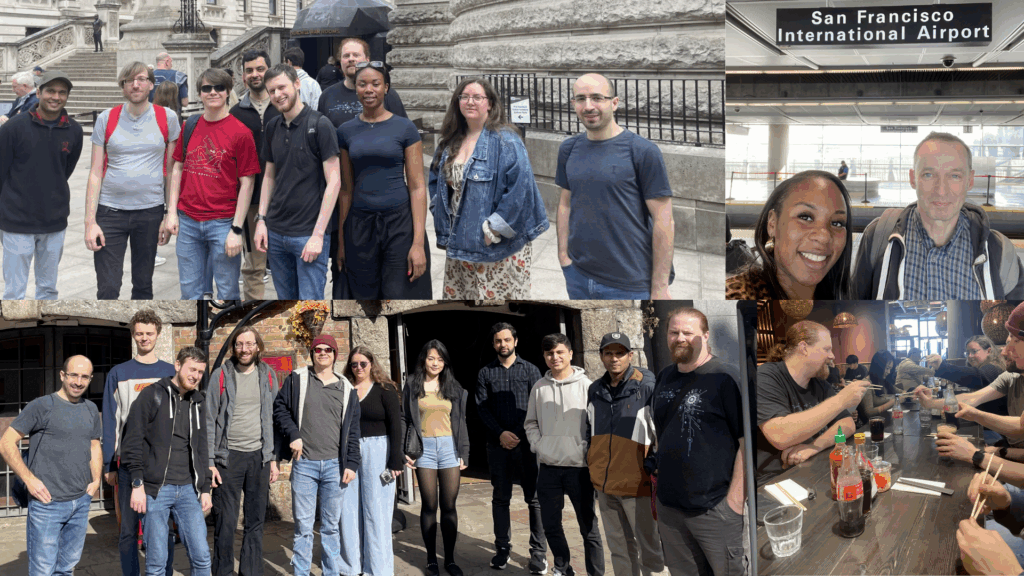
We’re a team of developers and tech enthusiasts solving tricky document problems, so you don’t have to. IDRsolutions was born from our struggles with integrating PDFs and images into applications. We built tools to simplify the process, and now companies worldwide rely on them to streamline their workflows. Here, we share what we’ve learned along the way to help you spend less time wrestling with documents and more time building great applications.
Recent Posts
HTML vs PDF file size: 726 PDFs tested
We converted 726 public PDFs to HTML and compared the sizes. Gzipped, the HTML came out level with the PDF. Here’s where it wins and loses.
PDF vs PNG file size: 726 PDFs and 763 images tested
We saved 726 public PDFs as PNG at 72, 150 and 300dpi. The PNGs were a median 5.7 to 40 times bigger. Here’s the data by content type.
How to Edit a PDF in Java using JPedal (Tutorial)
Java has no built-in PDF support, so editing a PDF means picking a library. This tutorial covers PDF editing in Java with JPedal’s PdfManipulator, from page operations to redaction…
What is PDF/A?
The PDF file format is a very big and complex standard so several more limited subsets have been created for specific purposes, of which...